A note type is the shape of a note: its sections, and the fields a draft fills in. Pablo comes with common ones, such as SOAP, DAP, BIRP, GIRP and narrative notes. You can also make your own.
Choose a session's note type when you book it, under More options, then Note type.
Make your own
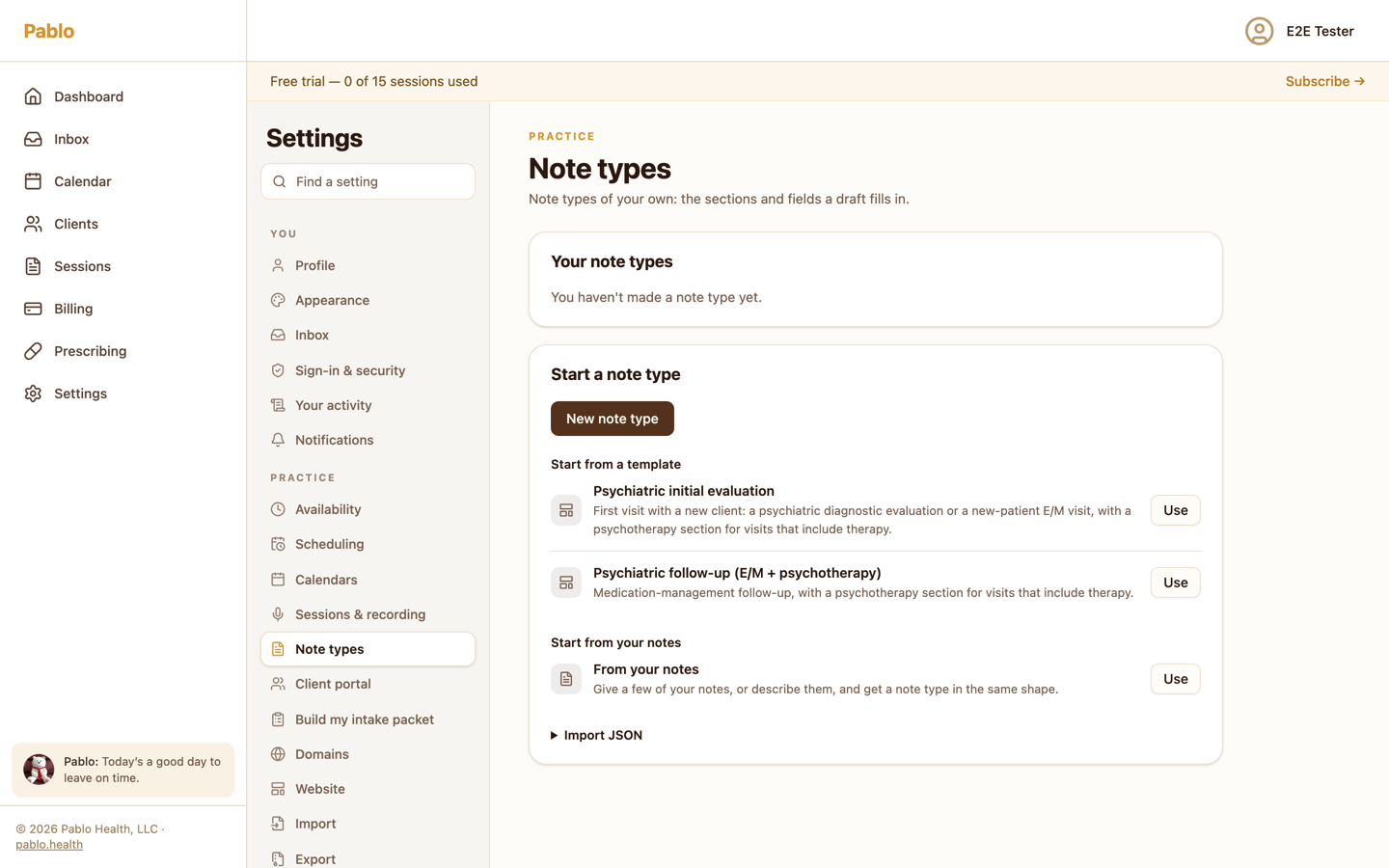
Open Settings, then Note types. Under Start a note type, you can:
- start from your own notes (below),
- start from a template, such as the psychiatric templates,
- or choose New note type and build it section by section.
Start from your notes
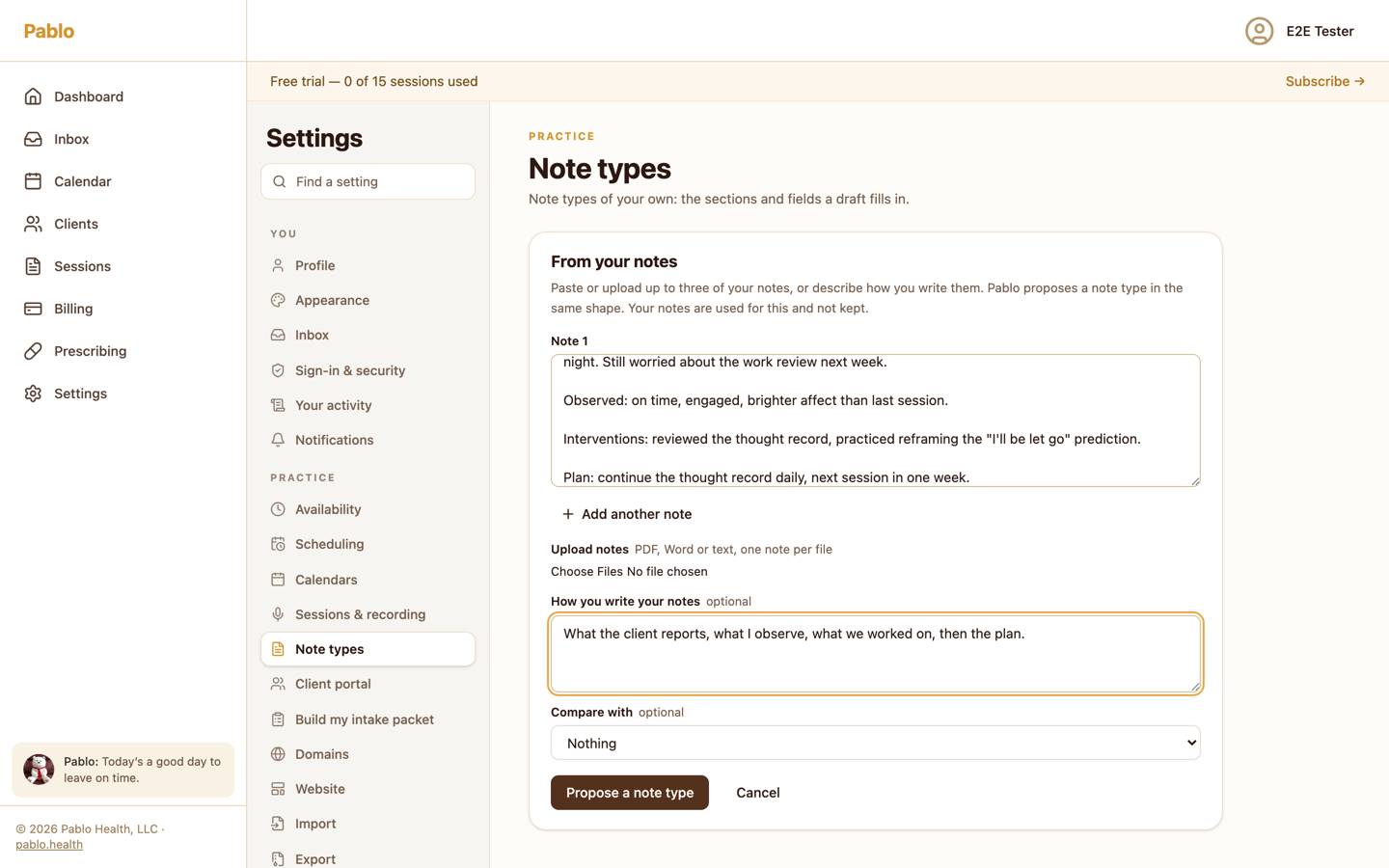
Give Pablo a few notes you've written, and it proposes a note type in the same shape.
- Next to From your notes, choose Use.
- Paste up to three notes, or choose Upload notes: PDF, Word or text, one note per file.
- If you like, describe how you write your notes under How you write your notes. You can also describe them instead of giving samples.
- Choose Propose a note type. It can take a minute.
Pablo reads scanned PDFs too, up to 30 pages each.
Check the proposal
Pablo shows the proposed sections and fields, and lists anything from your notes that doesn't have a field yet. Choose Add a field for this to add one.
To see a draft before you save, use Try it: choose a sample visit, one of your sessions, or a pasted transcript, then Draft a note. Trying it doesn't change the session's note.
When it looks right, choose Save note type.
Change or retire a note type
Under Your note types, choose Edit to change one; saving makes a new version. Choose Retire to stop new appointments using it. Notes already written with it stay as they are.